Read and listen in sync
The web app is an EPUB reader and an audio player in one page, and it is also the whole story on
iPhone — there is no iOS app. Everything below is what you see signing in to the
demo server (username demo, password tandemdemo), which holds
a small set of public-domain books, transcribed, that the demo account can read and listen to but not
change.
Home
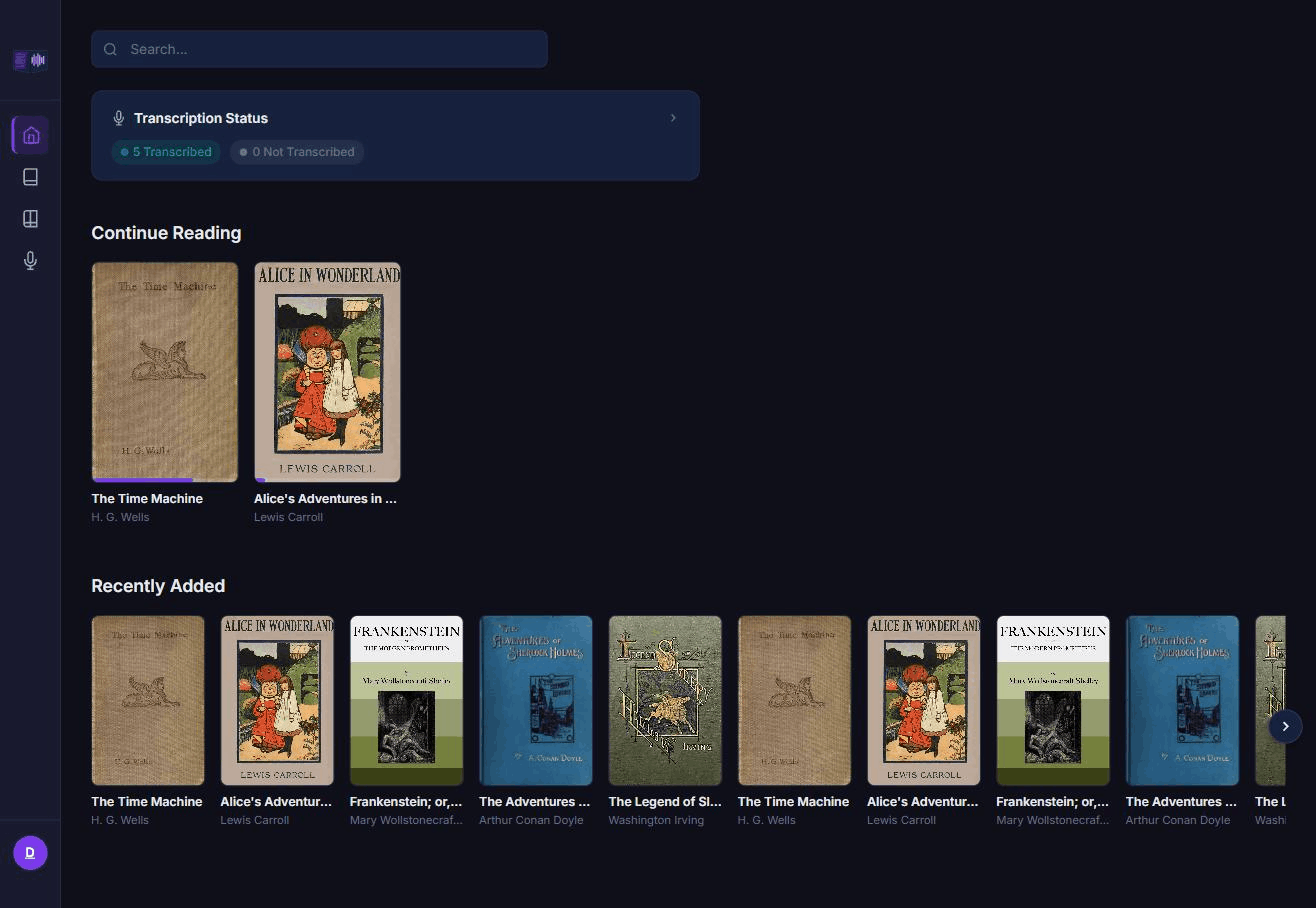
Home opens on Continue Reading — the books you have a position in, so you can pick straight back up. From here you go to the library, or straight into a book you already started.
Library and Series
The Library page is a grid of covers, each showing its pairing state — whether an ebook and its audiobook have been matched up, and whether they are synced yet. Books that belong to the same series are grouped under Series, so a run of books shows together instead of scattered alphabetically.
A book's page
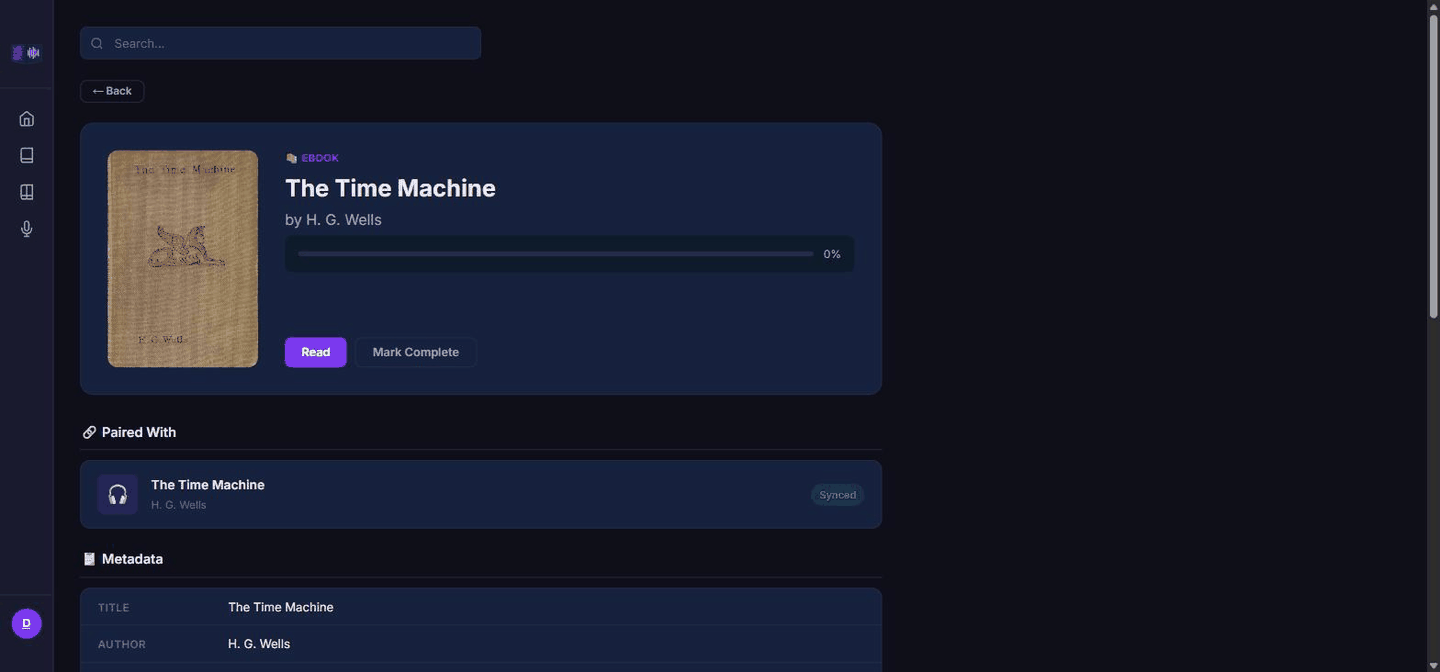
Opening a book takes you to its own page: cover, metadata, its pairing (which ebook, which audiobook), and its sync state — whether a transcript and a sync map exist yet, which is what lets the reader and the player hand off to each other precisely. From here you open the reader or the player.
The reader
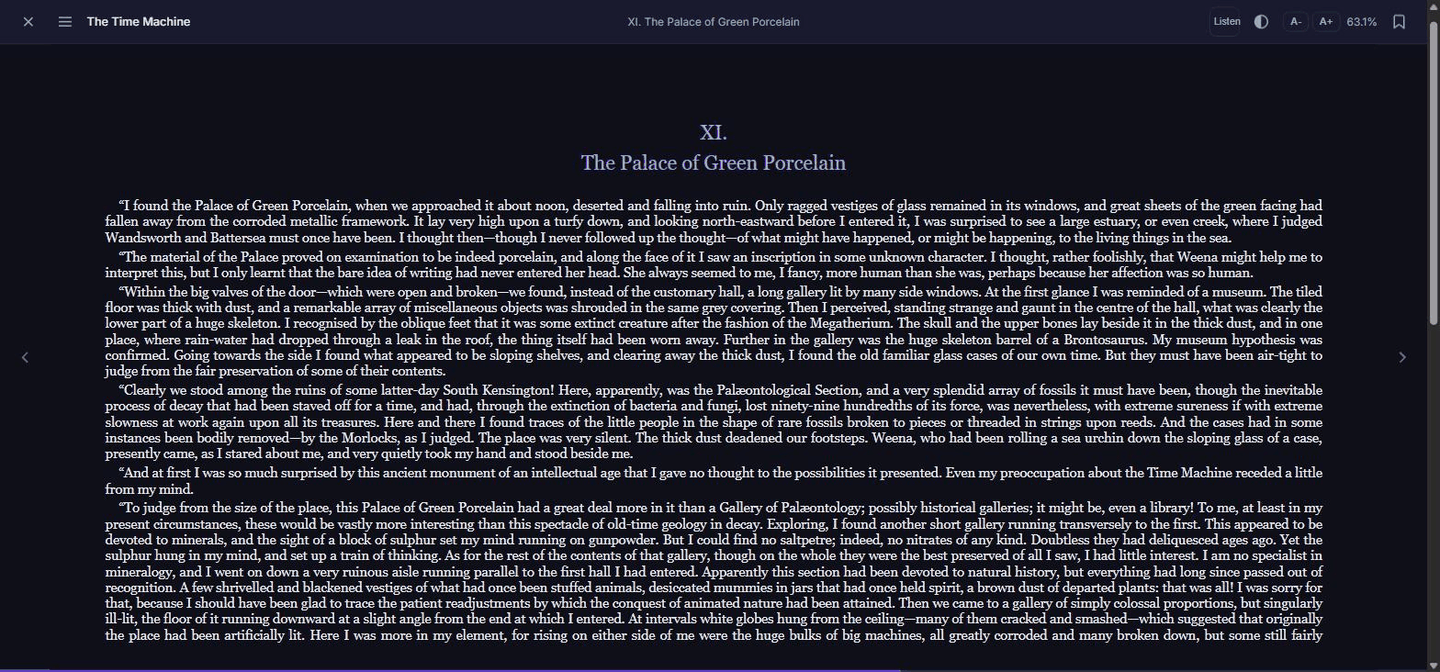
The reader renders the EPUB itself — paging through the book like any ebook reader. The control that matters is the switch to audio: from wherever you are on the page, it jumps you into the audiobook at the sentence you are reading, not just the chapter. That precision comes from the transcript being aligned to the book's text sentence by sentence, so the handoff lands close to where your eyes actually were.
Following the audio inside the reader, with the sentence and the spoken word marked as the narrator goes, is an Android feature for now; see Tandem for Android.
The player
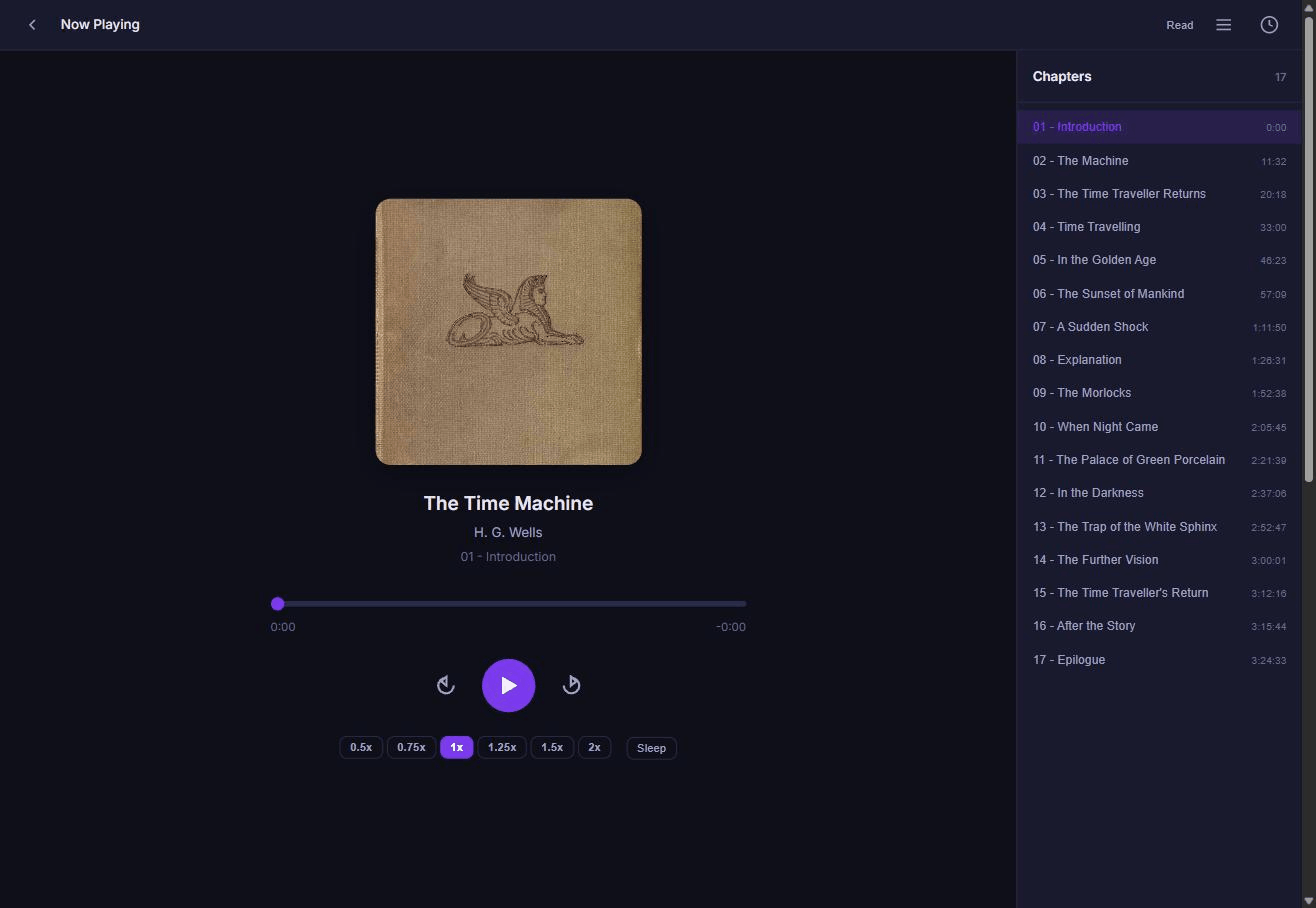
The player is the reverse: play, pause, seek through the audiobook, and a switch back to the reader that opens the EPUB at the sentence being read aloud. Reading and listening are two views of the same position, and either one can hand off to the other.
Your position follows you
Every position update — in the reader or the player — is written to the server. There is no local save you have to remember to sync: the portable coordinate is a chapter and a sentence within it, which both the web reader and the Android app understand, so opening the same book in a browser on your laptop and in the app on your phone shows the same place. Device-specific details, like the web reader's exact scroll position, are kept alongside that coordinate as a convenience, but the chapter and sentence are what travels.
Install it as an app
The web app is a Progressive Web App: install it to your home screen and it opens like a native app, with its own icon, instantly, from a precached shell. On a phone, playback publishes to the lock screen and notification shade — title, author, cover, and play/pause/skip controls that behave the same as the on-screen buttons, including 30-second skips.
Note
This is the iPhone path. With no iOS app, installing the web app to the home screen is how Tandem behaves like an app on an iPhone — lock-screen controls included.
Look for Add to Home Screen (iOS Safari) or the install prompt in the address bar (Android Chrome, desktop Chrome and Edge). Signing back in afterward, and after any deploy, works exactly as it does in a normal browser tab.
Go deeper
- Web app as a PWA — the manifest, lock-screen controls, and service worker in detail
- Cross-device position contract — how a position travels between devices
- Add your books
- Tandem for Android