When a book misbehaves
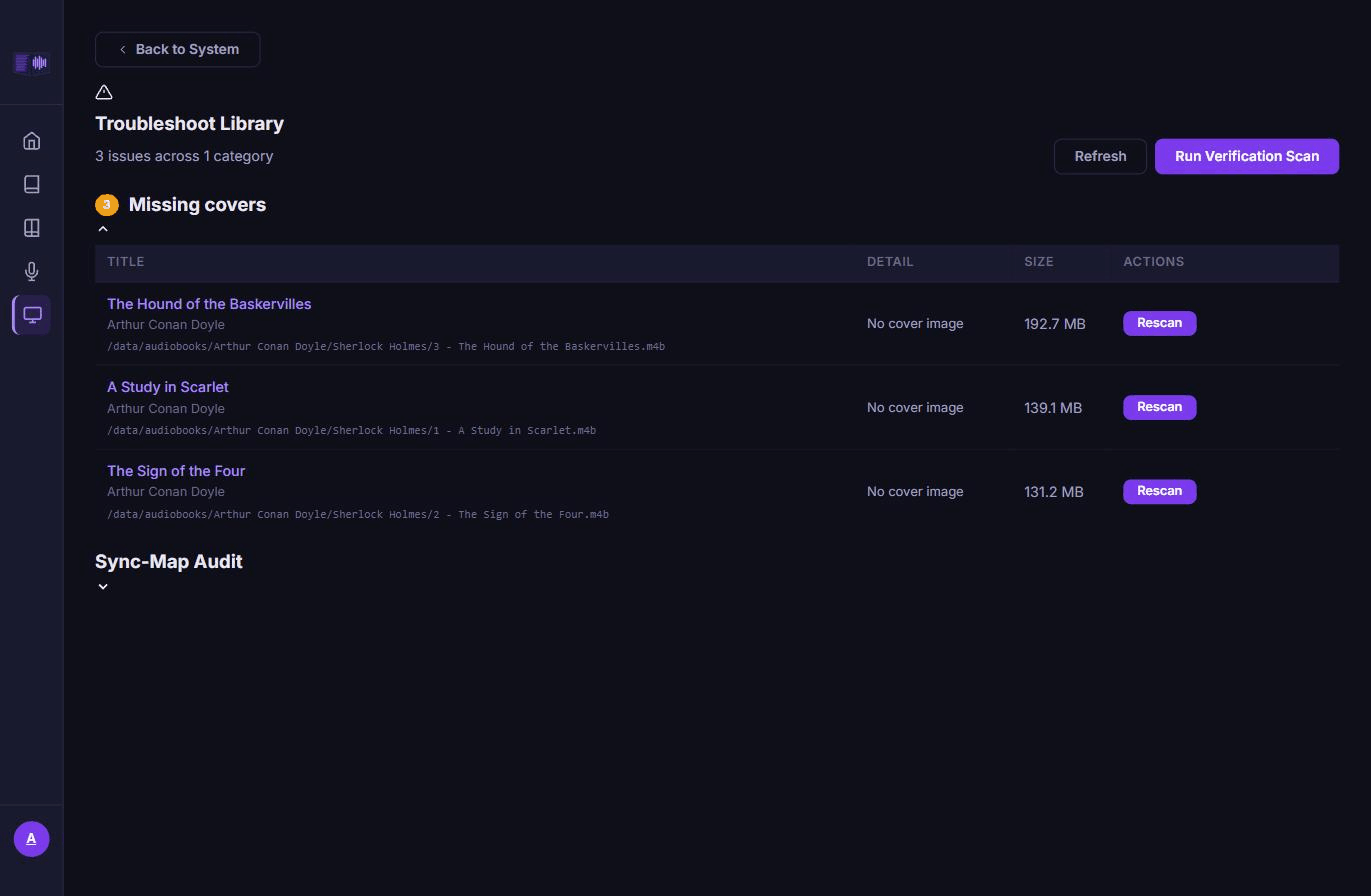
Tandem checks the library for known problems and lists them under System → Troubleshoot Library, with a fix for each one right there in the row. This page explains what each entry means and what to do about it.
Start with a verification scan
Click Run Verification Scan on the Troubleshoot Library page. It walks the library in phases and deep-checks audio and ebook integrity — the checks a normal library scan does not do, because they are too slow to run on every file, every time. Three categories only ever come from this scan and stay empty until you have run it at least once: Corrupt audiobooks, DRM-encrypted ebooks, and Unreadable ebooks. Everything else on the page is computed live from the current library state.
A scan in progress shows its phase and a running count, and can be cancelled. When it finds nothing, the page says the library is healthy.
What the categories mean
Files and formats
- Corrupt audiobooks / DRM-encrypted ebooks / Unreadable ebooks — the file exists but failed its integrity check on the last scan. Replace it with a working copy (this re-runs the check immediately and tells you whether the replacement passed), or Delete it.
- Missing files (not on storage) — the database has a row but the file is gone from disk, most often a moved or deleted file the library was not told about. Replace or delete the row.
- Zero-byte / tiny files — the file is on disk but implausibly small, usually a failed or interrupted copy. Replace or delete.
- Audiobooks with corrupt chapter titles — the chapter table is unreadable text (mojibake). Repair rewrites it from the raw bytes; select several and Repair Selected does it in bulk.
- Unsupported formats (MOBI/AZW3) — Tandem can index these but not align or render them; only
EPUB gets that. Convert runs Calibre's
ebook-convertin the server container to produce an EPUB sibling. Converting with delete-original re-points any existing pair at the new file and rebuilds its sync map from the cached transcript, no re-transcription needed; a pair with no cached transcript falls back to needing transcription again, and the page says which pair and why. Conversion failure is reported as either DRM-protected (you need a DRM-free copy) or a corrupt/unsupported source file that needs replacing. Delete is also available. - Multi-file audiobooks (unsupported) — a book split across per-track files (
01.mp3…30.mp3) is not imported; an audiobook row is one file. Merge the tracks in Audiobookshelf (open the item → Manage → Merge to M4B, keeping chapters), replace the folder with the merged file, then click Rescan. If tracks were imported before this check existed, Remove imported tracks clears those database rows without touching the files on disk. Dismiss hides a folder you are deliberately leaving as-is; it reappears if the folder's contents change.
Pairing and sync
- Synced pairs missing a sync map — the pair is marked synced but has no sync map to actually sync from. Re-queue sends it back through transcription and alignment.
- Pairs whose audio length does not fit the ebook — the audiobook is implausibly short or long for the length of the paired ebook: a truncated download, or the wrong file matched. Fix the pairing or the file itself, then Re-queue.
Covers and duplicates
- Duplicate files — the same content on disk more than once. Delete the copy you don't want.
- Missing covers — no cover image could be extracted or found. Rescan the book to try again after fixing the source (embedding a cover, or letting Audiobookshelf enrichment run).
- Orphaned cover files — a cover image on disk with no book row pointing at it any more. Delete it to reclaim the space.
Transcription and imports
- Failed transcriptions — the job failed permanently after exhausting its retries, or hit an error that is never retried (audio the worker could not decode at all). Re-queue starts it over from scratch.
- Failed ACSM imports — an
.acsmlicense file could not be turned into a book. Dismiss clears the entry.
Rows that support bulk action can be selected with checkboxes; a bulk bar appears above the table with Delete Selected (or Repair Selected for chapter titles).
A page will not display
Web. If the EPUB reader cannot load the book at all, it shows an error message in place of the page with a Close button, which takes you back out of the reader rather than leaving you stuck on a blank screen.
Android. The reader has its own escape hatch for a single page that fails to load — a missing or unreadable file inside the EPUB, or a truncated download. It shows the toolbar (which may otherwise be hidden) along with a This page could not be displayed message and a Next chapter action, so one bad page in an otherwise fine book does not strand you on it.
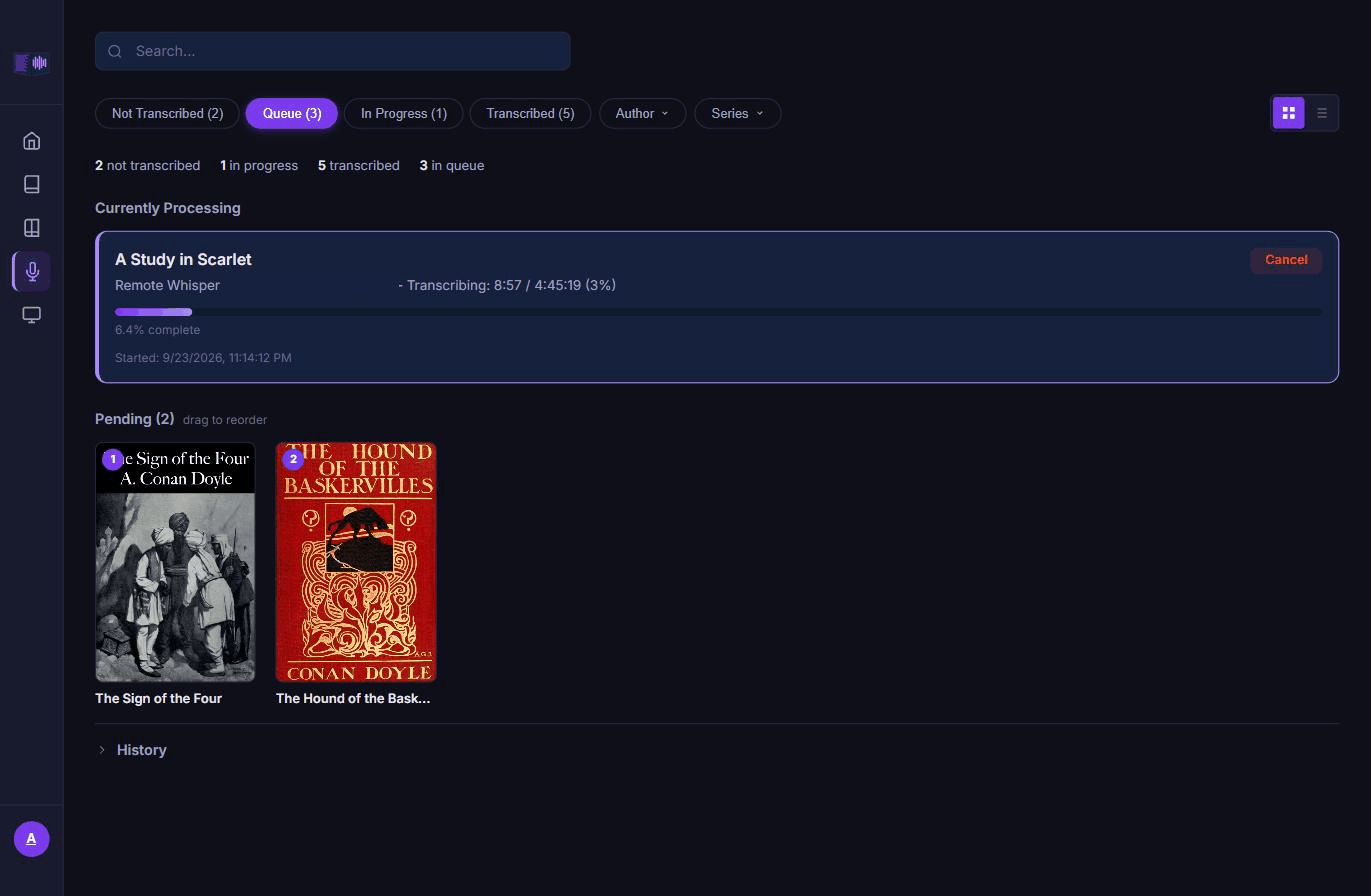
A transcription failed
The Failed transcriptions category on the Troubleshoot page lists jobs that used up their retries or hit a non-retryable error. The Transcription page's queue history shows the same information alongside every other job's outcome, so you can see whether a failure was one-off or part of a pattern.
Retries only happen for a provider that is temporarily unavailable — connection refused, a timeout, the worker running out of memory — on a backoff ladder that lengthens each time. A genuine transcription error, such as audio the worker cannot decode, is never retried, since re-sending the same bytes will not fix it; that one fails immediately and asks for the file to be re-imported.
A failure is different from a poor result. If the job completed but the alignment came out wrong in places — a chunk of audio that opened on music or a foreign-language passage can throw off the sentence match for that whole stretch — open the book from the Transcription page's editor and correct the transcript there. Re-alignment reads the edited text, so a bad stretch does not need a full re-transcription to fix.
For anything less obvious, check the System page for the worker's status and Remote Timeout setting, and the server or worker logs for the request that failed.